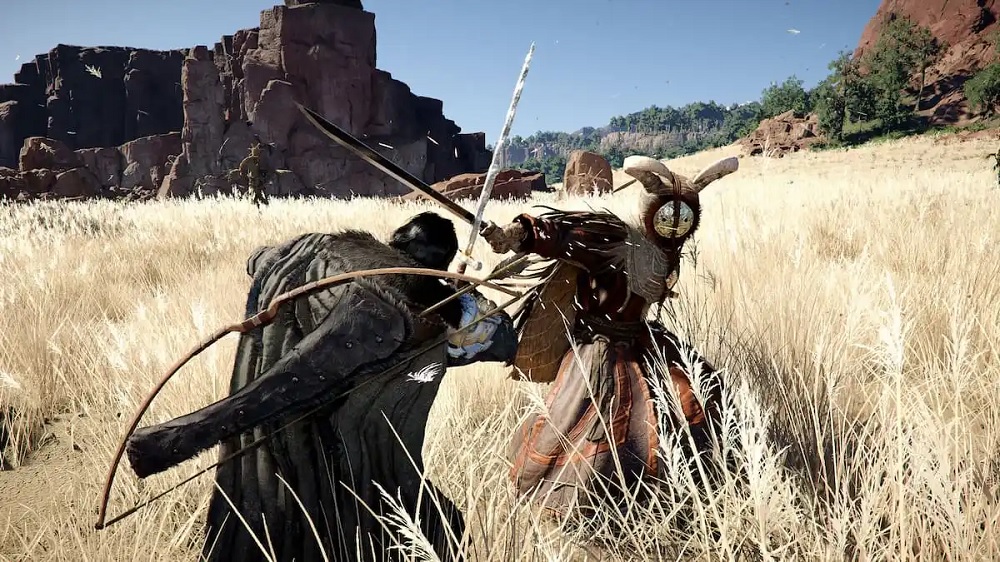
Pearl Abyss has teamed up with Twitch to celebrate the launch of Crimson Desert on PC and consoles through multiple campaigns, each offering unique in-game rewards. Here’s how you can earn Twitch Drops and unlock various cosmetics and consumables.
Get Crimson Desert Twitch Drops
Pearl Abyss has introduced two Twitch campaigns for Crimson Desert, each lasting one week. Below are the rewards and requirements for both.
Crimson Desert Week 1 Campaign
- Braised Meat x10 + Blue Scout Lantern — 60 minutes (1 hour)
- Blue Scout Earring, Ring, Necklace — 120 minutes (2 hours)
- Blue Scout Shield — 180 minutes (3 hours)
- Blue Scout Cloak, Armor, Hat — 300 minutes (5 hours)
Crimson Desert Week 2 Campaign
- Blue Scout Stirrups — 60 minutes (1 hour)
- Blue Scout Champron — 120 minutes (2 hours)
- Blue Scout Saddle — 180 minutes (3 hours)
All of these are cosmetic items that can be attached to your backpack.
Crimson Desert Twitch Drops Schedule
- Week 1 Campaign: March 19, 2026 – March 25, 2026
- Week 2 Campaign: March 26, 2026 – April 1, 2026
How to Claim Twitch Drops for Crimson Desert
To claim Twitch Drops, you need to link your Twitch account with your Pearl Abyss account and then redeem the rewards on your platform.
- Go to the official linking page and sign in with your Twitch account.
- Watch any Crimson Desert stream that has Drops enabled.
- Keep the stream running (even in the background) until you reach the required watch time (up to 300 minutes / 5 hours).
- Track your progress in your Twitch Inventory.
- Once eligible, click the “Claim Now” button for each reward.
- Return to the rewards page and open the “Check My Rewards” section.
- Select your platform (Steam, PS5, Xbox).
- Steam: Rewards are delivered directly in-game.
- PS5 / Xbox / Epic Games: You will receive a code to redeem.
Redeeming on PS5
- Open PlayStation Store
- Select the menu (top right) → Redeem Code
- Enter the 12-digit code
Redeeming on Xbox Series S|X
- Go to Store
- Select “Redeem Code”
- Enter the 25-character code