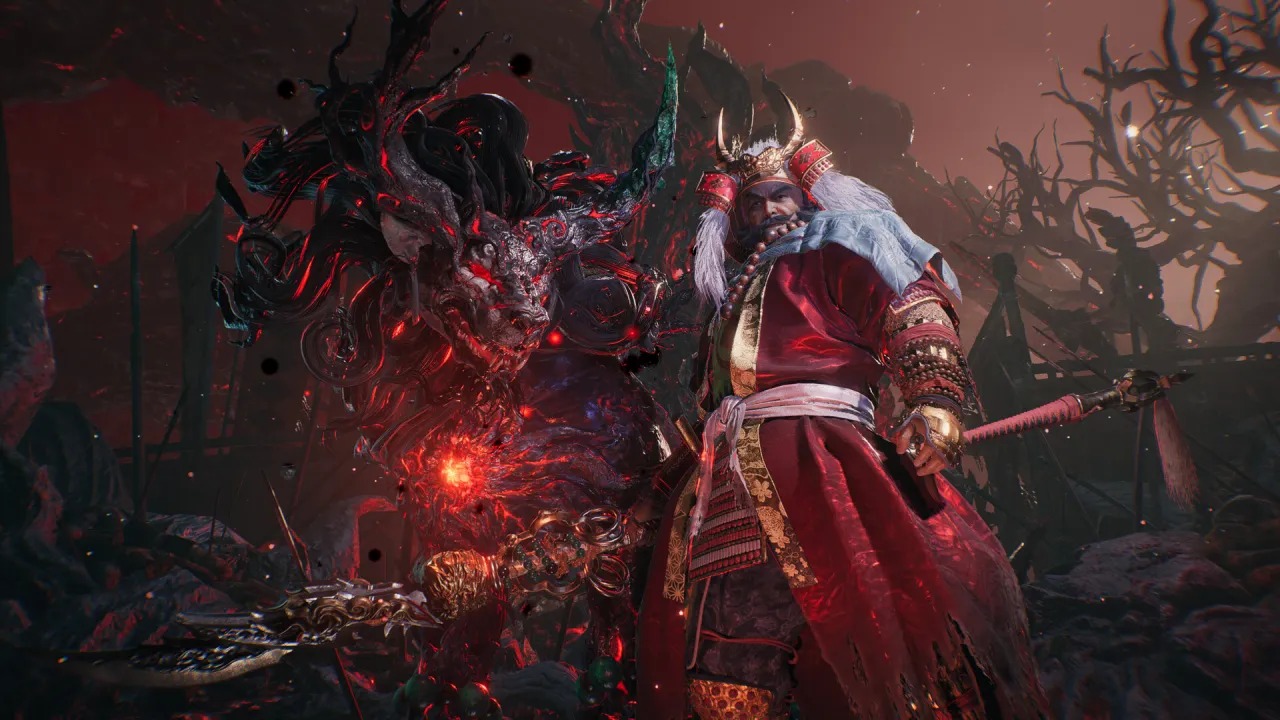
Nioh 3 stands out as one of the strongest releases of the year. While the PC version still has a few technical rough edges, it is easily Team Ninja’s most polished PC port so far. With a wide range of settings available, players can fine-tune many parts of the experience to their liking.
If you’d rather get into the action faster and avoid sitting through intro logos and videos every time you launch the game, there’s a simple solution. Thanks to a community-made patch by Lyall, you can skip the intro entirely—and gain access to several extra features in the process.
Skip the Nioh 3 Intro Videos on PC
The Nioh3Fix patch skips the intro logos and videos by default, alongside offering optional enhancements. Here’s how to install it:
- Make sure Nioh 3 is not running.
- Visit the Codeberg page for the patch and download the latest version (version 0.0.3 at the time of writing) by selecting Nioh3Fix_0.0.3.zip under the “Downloads” section.
- Navigate to your Nioh 3 installation directory and extract the contents of the zip file there.
To find the installation folder via Steam:
- Open your Steam Library
- Right-click on Nioh 3
- Select Manage → Browse local files
This will take you to:
steamapps\common\Nioh3
Once installed, the next time you launch Nioh 3, the game will bypass the intro videos and go straight to shader compilation and then the main menu, shaving off a bit of startup time.
Nioh3Fix Other Features
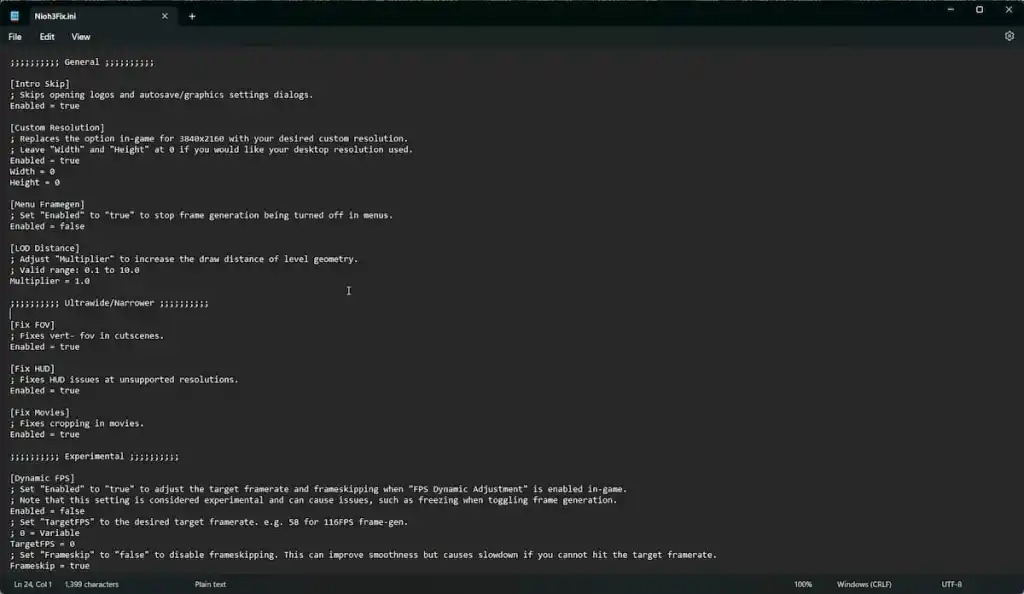
Beyond skipping intro videos, Nioh3Fix includes several optional features you can enable:
- Custom resolutions for rendering the game
- Adjustable LOD distance using a multiplier to increase geometry draw distance
- Experimental framerate cap adjustments
- Frame generation enabled in menus
- Support for resolutions below 16:9 with corrected HUD scaling
- Expanded ultrawide monitor support
- Fixes for cropped pre-rendered cutscenes on ultrawide displays
- Vertical FOV fixes during cutscenes for ultrawide setups
These options can be toggled by editing the Nioh3Fix.ini file included in the same zip archive. You can open it using a basic text editor like Notepad.
All credit goes to Lyall for developing and testing this patch. Their work has been a huge benefit to PC players, and more details about their projects can be found on their Patreon. The patch may receive further updates in the future, so it’s worth keeping an eye on the releases page.
You can also improve the PC experience further by applying a workaround for Nioh 3’s camera stutter issue, a long-standing problem tied to the Katana Engine. Although Team Ninja has released several updates since launch, some technical issues remain unresolved. Even so, Nioh 3 is in a solid state overall and performs noticeably better than earlier PC releases like Wo Long: Fallen Dynasty and Rise of the Ronin.