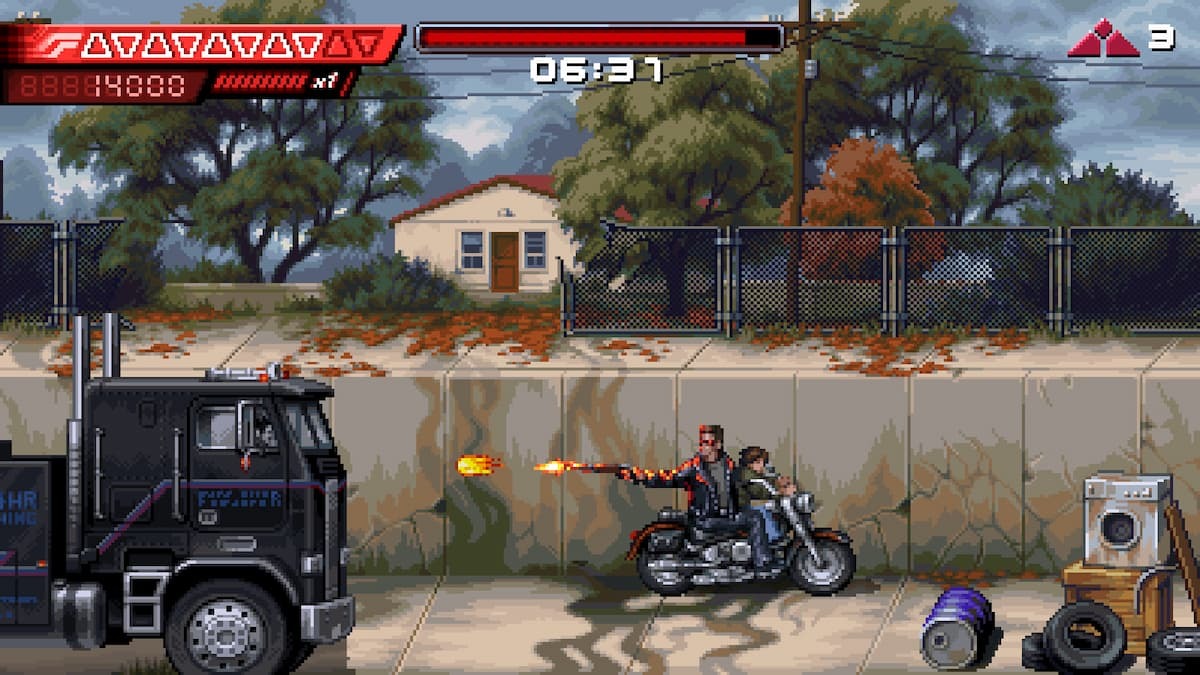
Terminator 2D: No Fate is one of the most visually stunning pixel-art games of the year and possibly the best adaptation of Terminator 2: Judgment Day. Following the events of the film, this short but perfectly paced action-adventure looks great on any display.
That said, if you have an ultrawide monitor, the game doesn’t natively support it, so you may notice black bars on the sides. Fortunately, Rose from the PC widescreen community has released a patch that removes these pillarboxes.
Fix the Terminator 2D No Fate Ultrawide Issue on PC
Rose’s patch does exactly what it promises — it enables ultrawide and wider aspect ratios while removing vertical black bars. Installing it is simple. Here’s how:
- Make sure Terminator 2D: No Fate is not running.
- Go to the following GitHub link and download the latest patch by clicking Terminator.2D.ultrawide.v0.1.zip under Assets.
- Navigate to your game installation folder and extract the zip file there.
- Launch Terminator 2D: No Fate. The first launch may take a little longer while the mod installs, but after that, the game should run normally with the black bars removed.
Here is a screenshot from Rose showing the patch in action.
All credit goes to Rose for creating and testing the patch at 2560×1080 and 5120×1440. You can learn more about their work on their Patreon.
Known Issues
There are a few minor issues with this patch to keep in mind:
- Some UI elements may appear imperfect.
- The object and enemy culling zones are narrower than the full screen.
- The optional CRT filter may cause more distortion than it does in 16:9.
Keep an eye on the GitHub page, as Rose may release updates. If you want to remove the patch, simply delete the files included in the zip. However, it’s recommended to use the patch for a smooth ultrawide experience.