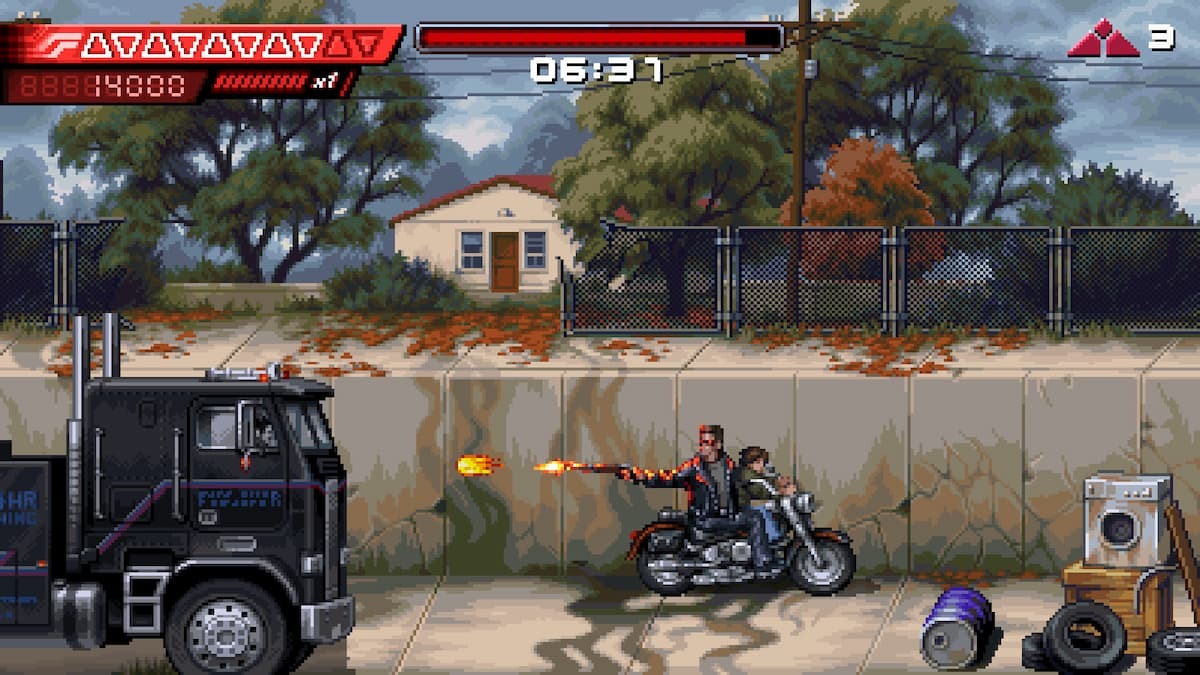
Terminator 2D: No Fate is easily one of the most visually striking pixel-art games of the year and arguably one of the strongest video game adaptations of Terminator 2: Judgment Day. The game closely follows the events of the film and delivers a short but perfectly paced action experience that looks fantastic across platforms.
However, PC players using ultrawide monitors may notice that the game does not support ultrawide resolutions out of the box. Instead, the image is displayed with vertical black bars on both sides, limiting the full potential of wider screens. Fortunately, a member of the PC widescreen community, Rose, has already released a custom patch that removes this pillarboxing and enables proper ultrawide support.
Fix the Terminator 2D No Fate Ultrawide Issue on PC
The ultrawide patch created by Rose does exactly what it promises: it removes the vertical black bars and allows the game to scale correctly on ultrawide and super-ultrawide displays. The installation process is simple and only takes a few minutes. Follow the steps below to get it working:
- Make sure Terminator 2D: No Fate is completely closed.
- Visit the patch’s GitHub page and download the latest version by selecting Terminator.2D.ultrawide.v0.1.zip from the Assets section.
- Navigate to the folder where the game is installed and extract the contents of the ZIP file there.
- Launch Terminator 2D: No Fate. The game may take slightly longer to start the first time as the mod initializes, but it should run normally afterward with the black bars removed.
Rose has also shared a comparison screenshot demonstrating the patch in action, showing the expanded field of view on ultrawide displays.
The patch has been tested at resolutions such as 2560×1080 and 5120×1440, and full credit goes to Rose for creating and validating it. You can find more of their work and support them through their Patreon.
That said, there are a few known limitations you should keep in mind when using this patch:
- Minor UI alignment issues may appear.
- Object and enemy culling zones are narrower than the full screen width.
- The optional CRT filter introduces heavier distortion compared to the standard 16:9 presentation.
Rose may address these issues in future updates, so it’s worth keeping an eye on the patch’s GitHub page. If you ever want to remove the mod, simply delete the files that were added to the game directory. Still, for players with ultrawide monitors, the patch offers a much more immersive experience overall.
While official ultrawide support from the developers would be ideal, there’s currently no indication that such a feature is planned. Hopefully, that may change in the future—but until then, this patch is the best solution available.