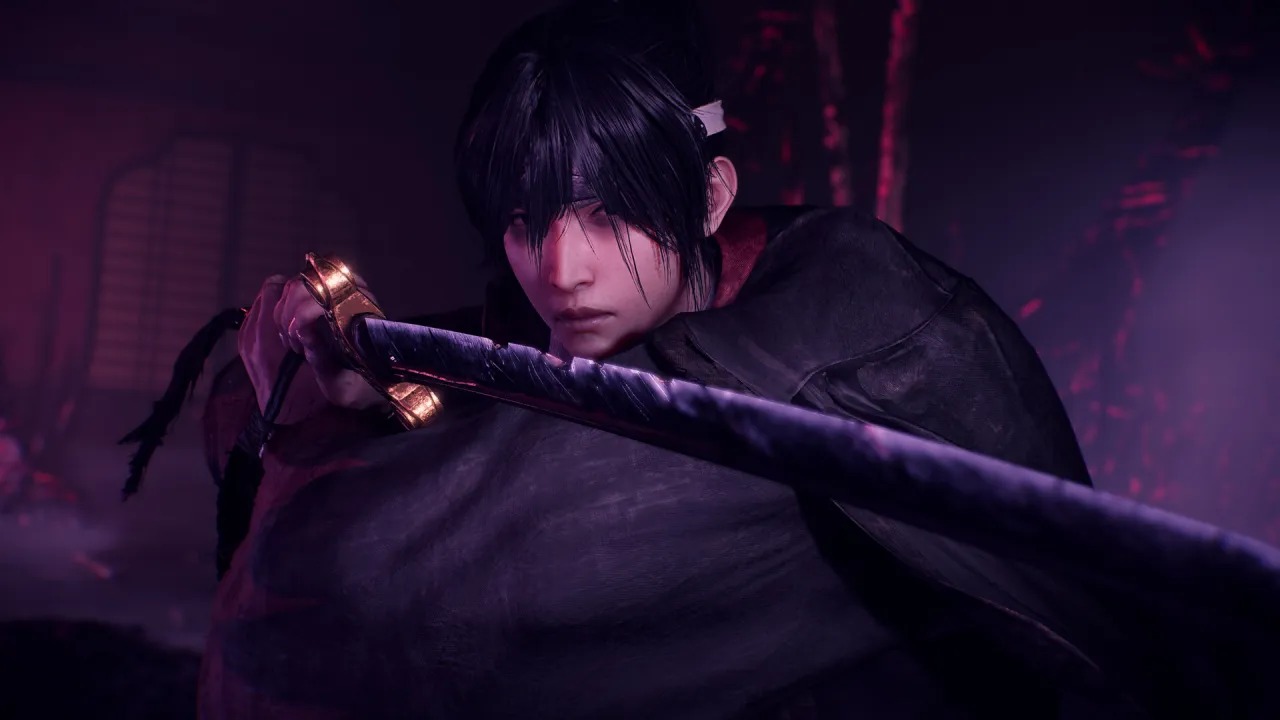
Nioh 3 is a deep and mechanically demanding action RPG from Team Ninja that pushes the series forward with the addition of an open-world structure and the ability to switch between Ninja and Samurai forms. With so many layered systems in play, mastering the controls is essential to surviving its intense combat.
Below is a complete breakdown of Nioh 3’s control scheme, whether you’re playing with a controller or using a keyboard and mouse, giving you a quick reference for every core action.
Nioh 3 Complete Controls for Controller
Here are the default controller layouts for Nioh 3 on both Xbox and PlayStation controllers.
| Action | Xbox Controls | PlayStation Controls |
|---|---|---|
| Open Map | View | Touchpad |
| Open Main Menu | Menu | Options |
| Move | Left Stick | Left Stick |
| Camera Rotation | Right Stick | Right Stick |
| Lock-on | RS | R3 |
| Jump | A | X |
| Dodge | B | Circle |
| Quick Attack | X | Square |
| Strong Attack | Y | Triangle |
| Guard | LB | L1 |
| Aim Ranged Weapon | LT | L2 |
| Shoot (Ranged Weapon) | LT + RT | L2 + R2 |
| Zoom (Ranged Weapon) | LT + RS | L2 + R3 |
| Switch Ammo | LT + Y / X | L2 + Triangle / Square |
| Style Shift | RT | R2 |
| Interact / Restore Stance | RB | R1 |
| Change to High Stance | RB + Y | R1 + Triangle |
| Change to Mid Stance | RB + X | R1 + Square |
| Change to Low Stance | RB + A | R1 + X |
| Sheathe / Draw Weapon | RB + B | R1 + Circle |
| Ninjutsu | RB + Y / X / A | R1 + Triangle / Square / X |
| Switch Item Shortcuts | RB + D-pad Left | R1 + D-pad Left |
| Item Shortcut 1 | D-pad Up | D-pad Up |
| Item Shortcut 2 | D-pad Left | D-pad Left |
| Item Shortcut 3 | D-pad Right | D-pad Right |
| Item Shortcut 4 | D-pad Down | D-pad Down |
| Switch Melee Weapon | RB + D-pad Down | R1 + D-pad Down |
| Living Artifact | Y + B | Triangle + Circle |
| Guardian Spirit Skill | LB + Y / X | L1 + Triangle / Square |
| Spirit Vein | Hold RB | Hold R1 |
| Gesture Menu | RB + Menu | R1 + Options |
| Crouch | LS | L3 |
Nioh 3 Complete Controls for Keyboard and Mouse
Below are the default keyboard and mouse bindings for Nioh 3 on PC.
| Action | Input |
|---|---|
| Movement | W / A / S / D |
| Dash | Q |
| Slide (While Running) | Q |
| Walk / Run | B |
| Crouch | C |
| Jump | Ctrl |
| Quick Attack | Left Mouse Button |
| Strong Attack | Right Mouse Button |
| Dodge | Space |
| Guard | F |
| Interact | E |
| Switch Melee Weapon | Tab |
| Aim Ranged Weapon | Alt |
| Style Shift | R |
| Restore Stance | Shift |
| Change to High Stance | Shift + Mouse Scroll Up |
| Change to Mid Stance | Shift + Left Mouse Button |
| Change to Low Stance | Shift + Mouse Scroll Down |
| Sheathe / Draw Weapon | Shift + Right Mouse Button |
| Ninjutsu Slot | Shift + Scroll / Mouse Button |
| Combination Martial Art 1 | F + Left Mouse Button |
| Combination Martial Art 2 | F + Right Mouse Button |
| Guardian Spirit Skill 1 | F + Right Mouse Button |
| Guardian Spirit Skill 2 | F + Left Mouse Button |
| Living Artifact | T |
| Lock-on | Middle Mouse Button |
| Move Camera | Mouse Movement |
| Item Shortcuts 1–4 | 1 – 4 |
| Switch Item Shortcut (Left) | Z |
| Switch Item Shortcut (Right) | X |
| Open Main Menu | Esc |
| Open Map | M |
| Gesture Menu | G |
| Photo Mode | P |
| Shoot (Ranged Weapon) | Left Mouse Button |
| Zoom | Mouse Scroll |
| Switch Ammo (Forward) | Mouse Scroll Down |
| Switch Ammo (Back) | Mouse Scroll Up |
| Switch Lock-on Target (Left) | Mouse Scroll Up |
| Switch Lock-on Target (Right) | Mouse Scroll Down |
Can You Remap Controls in Nioh 3?
Yes — Nioh 3 allows players to fully customize their control bindings on both controller and keyboard & mouse.
The game offers extensive accessibility and customization options, letting players tailor controls, UI elements, and combat behavior to suit their preferred playstyle. Given the game’s demanding combat and layered mechanics, this flexibility makes mastering Nioh 3 far more approachable without sacrificing its challenge.